
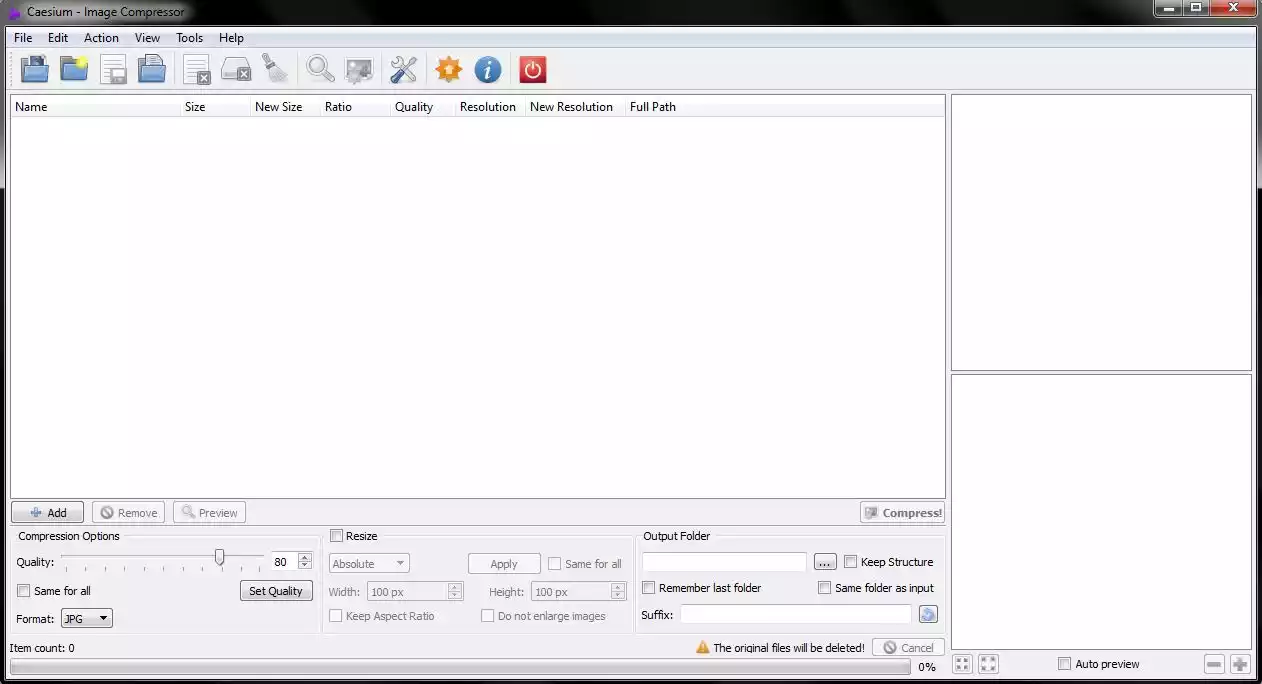
Caesium is a free, simple image optimization software made by SaeraSoft for bloggers, photographers, businesses, webmasters, or casual users for storing, sending, and sharing images. It is open source on GitHub and supports JPG, PNG, WebP and TIFF formats.
Features:
You can set the quality for JPEG/webp images before compression, or change the image format from the default (WebP, the lowest size) to BMP, or keep the same format as the input image.
There's also a resize feature. You can change the width and height, keep the aspect ratio, and choose not to enlarge images. You can also choose either from absolute or percentage.
Pros:
- Free.
- Simple interface.
- Runs on Windows and Mac.
- An option to keep metadata.
- An online compressor and a downloadable one.
Cons:
- Only works with command line tool on Linux; no interface
- Less convenient for mass-compressing images
Support
You can get in touch at saerasoft.com/caesium#contacts, but you only need to do so if you encounter an issue or have a suggestion for the development team.